Play Football Strike: Online Soccer on PC Play Football Strike: Online Soccer on PC and Mac
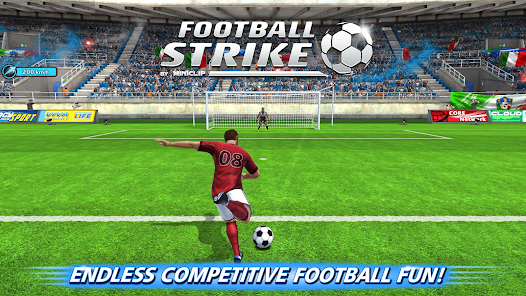
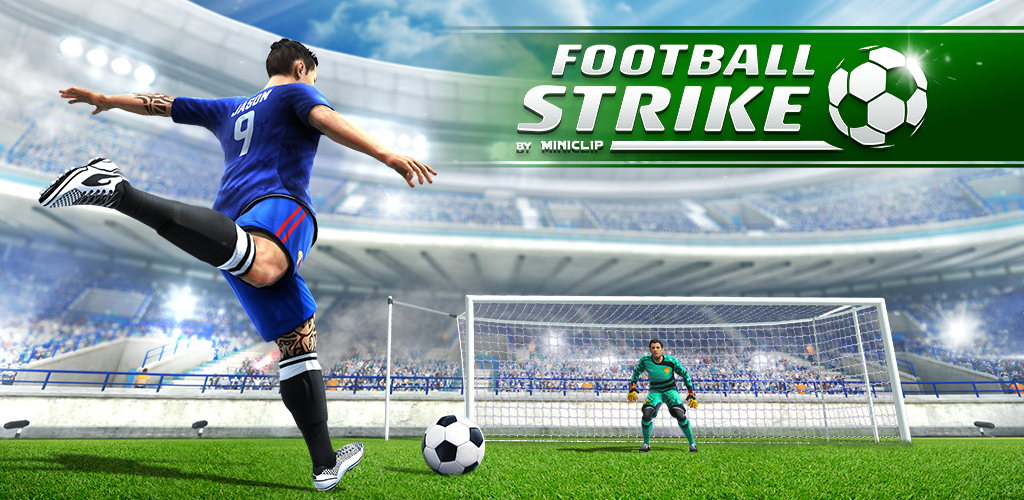
Football Strike - Multiplayer Soccer is a fast-paced sports game developed by Miniclip.com that brings competitive free-kick football action straight to your screen. Whether you are lining up the perfect shot or diving to make a last-second save, the game keeps you on your toes with quick, finger-driven gameplay that is easy to pick up but hard to put down. Now you can enjoy all of that action on a bigger screen by running Football Strike through MuMuPlayer, the Android emulator built for smooth PC gaming.
The game puts players in control of both attacking and goalkeeping, letting you go head-to-head against friends or compete against players from around the world in multiplayer free-kick showdowns. A deep Career Mode takes you through stadiums across the globe, presenting unique soccer challenges that reward you with medals as you progress. Customization is a major draw, with a wide range of unlockable items that let you personalize your striker and goalkeeper to reflect your own style or the colors of your favorite club. Official partnerships with clubs like FC Barcelona, Liverpool FC, and Borussia Dortmund add an extra layer of authenticity to the experience.
Playing Football Strike on PC through MuMuPlayer gives you real advantages that go beyond just a larger display. The emulator delivers stable performance so that fast-paced multiplayer matches stay smooth without frame drops, which matters a lot when split-second timing determines whether your shot goes in or gets blocked. Using a mouse for aiming gives you more precise control over shot direction and curve, and keyboard shortcuts can be mapped to streamline your experience. MuMuPlayer also handles the internet connection requirements of the game reliably, keeping you in the match without unexpected interruptions.
Download Football Strike: Online Soccer on PC or Mac with MuMuPlayer, get a PC like gameplay along with smart control and high graphics performance.
MuMuPlayer, the top Android emulator for PC and Apple silicon Mac, delivers an optimal gaming experience with minimal RAM usage and high FPS. It also allows you to create multiple instances of the emulator and run several games simultaneously, thanks to its Multi-instance feature. Its advanced emulator features ensure smooth gameplay, even on low-end PCs.
Download and play Football Strike: Online Soccer on PC or Mac with MuMuPlayer and start enjoying your gaming experience now.
About the Game
Football Strike - Multiplayer Soccer puts competitive soccer in the palm of your hand, designed around quick sessions and intense head-to-head moments that keep players coming back. Developed by Miniclip.com, the game strips football down to its most exciting elements, placing the focus entirely on free kicks, precision shots, and reflex-testing saves. The result is a sports title that feels both accessible and deeply competitive at the same time.
At its core, Football Strike is built around two roles: the striker trying to beat the goalkeeper, and the goalkeeper doing everything possible to deny the shot. Both sides require skill, timing, and an ability to read your opponent. Multiplayer matches connect you with players from all over the world, creating a global competitive scene where every game feels different. If you prefer taking on friends directly, that option is available too, adding a personal rivalry element that makes victories even more satisfying.
Beyond the competitive multiplayer experience, the game offers a Career Mode that gives solo players plenty to work toward. This mode sends you on a journey through various stadiums located around the globe, each presenting its own set of soccer challenges. Completing these challenges earns medals, which serve as a measure of your progress and skill. The variety of scenarios across different venues keeps the Career Mode from feeling repetitive, giving you a structured path of improvement as you master the mechanics.
Customization plays a significant role in shaping your identity within the game. Players can unlock a wide selection of cosmetic items to dress up both their striker and goalkeeper, whether the goal is to stand out with a unique personal style or to proudly wear the colors of a supported club. The game includes officially licensed content from some of football's most recognized clubs:
- FC Barcelona
- Liverpool FC
- Borussia Dortmund
- And additional club partners
This licensing means fans can genuinely represent their teams rather than just picking generic kits, which adds real meaning to the customization system.
Progression in Football Strike also extends to your equipment and player attributes. Upgrading your gear over time strengthens your competitive position, giving you tangible reasons to keep playing and earning resources. The upgrade system is layered enough to reward dedicated players without making the game inaccessible to newcomers.
The gameplay itself is driven by simple touch controls, where flicking the finger determines shot direction, power, and curve. The same intuitive input applies to goalkeeping, where quick reactions and reading the striker's motion are everything. This straightforward control scheme means the barrier to entry is low, but the ceiling for skill is high enough to keep experienced players engaged.
A few things worth knowing before you start:
- An active internet connection is required to play
- Optional in-game purchases are available, including items obtained through random draws
- The game is free to download
Football Strike delivers a focused and replayable football experience that rewards both casual play and serious competition. Whether you are grinding through Career Mode for medals, climbing the global multiplayer rankings, or simply enjoying a quick match against a friend, the game consistently offers something worth coming back to.
Emulator Features
Highest Android 15 Support Best Compatibility on Mac

With a smart button scheme and image recognition function, provide a more concise UI, and support custom button mapping to meet different needs. With a smart button scheme and image recognition, enjoy a cleaner UI and custom button mapping to fit different gaming needs on Mac.

Run multiple games independently at the same time, easily manage multiple accounts, play games while hanging. Take your Mac gaming further with multiple independent instances, easy account management, and seamless AFK gaming on Apple Silicon Mac.

Break through FPS limit, and enjoy a seamless gaming experience without lag and delay! Break through FPS limits for a seamless, lag-free gaming experience on MacBook, Mac mini, iMac, and Mac Studio.

Get a 3-second startup with 52% less memory usage and 65% more stability. Enjoy 3-second startup, 52% less memory usage, and 65% greater stability on Apple Silicon Mac.
How to Download and Play Football Strike: Online Soccer on PC and Mac
Installation Guide
Download MuMuPlayer
Download MuMuPlayer and install it on your PC or Mac
Sign-in Google Store
Complete Google sign-in to access the Play Store
Search and Install
Search Football Strike: Online Soccer in the Play Store
Enjoy Gaming
Enjoy 120 FPS high-def gameplay with big screen
System Requirements
Windows PC
Vulkan / DirectX supported. 4 cores + 4GB RAM recommended. Up to 240 FPS. VT required.
macOS
Recommended: Apple Silicon Mac with 8GB RAM or above. Up to 240 FPS.