
Play Pokémon GO on PC and Mac
Pokémon GO is an immersive action-adventure game developed by Niantic, Inc., where you can discover and catch Pokémon in the real world while joining Gym battles and team activities with friends. MuMuPlayer lets you enjoy Pokémon GO on PC and begin your own Pokémon adventure on a bigger screen.
Pokémon GO introduces a brand-new real-world collaboration event that brings even more excitement to exploration and adventure. Trainers can discover Pokémon across the city while taking part in themed activities, collecting exclusive rewards, and enjoying interactive experiences inspired by creativity and community. A special stamp rally system has been added, allowing players to visit designated PokéStops, collect stamps, and unlock encounters with event-themed Pokémon featuring unique backgrounds. The game also includes limited-time research tasks that reward players with useful items and special Pokémon encounters after completing challenges. During the event, Trainers can collect exclusive themed stickers to share with friends and celebrate their journey together. Whether you are a longtime Pokémon GO fan or a new Trainer beginning your adventure, the event adds even more fun to exploration, collection, and multiplayer interaction in the world around you.
- Real-world AR Pokémon exploration
- Gym battles and Raid gameplay
- Buddy Pokémon progression system
- Special themed events and timed research
- Pokédex collection and social interaction
Download MuMuPlayer now and enjoy your Pokémon adventure on PC, explore the world, and catch your favorite Pokémon!
About the Game
Pokémon GO is an immersive action-adventure experience that blends the real world with the universe of Pokémon. Developed by Niantic, Inc., this globally popular title transforms everyday locations into interactive adventure zones where Trainers can search for, encounter, and catch Pokémon in real-world environments. Unlike traditional mobile games that keep exploration confined to static maps, Pokémon GO encourages players to step outside and turn parks, streets, landmarks, and neighborhoods into part of their journey. Whether your goal is to complete the Pokédex, strengthen your favorite companions, or participate in multiplayer challenges, the game constantly delivers fresh discoveries and evolving adventures.

As players travel through different environments, they can encounter a wide variety of Pokémon and gradually expand their personal collection. Rare Pokémon, regional encounters, and event-exclusive appearances make exploration feel rewarding and dynamic. The Buddy Pokémon feature allows Trainers to journey together with their favorite Pokémon, earning bonuses and improving strength through interaction and activity. Weather systems, location diversity, and rotating in-game events also influence which Pokémon appear, creating a constantly changing ecosystem that keeps exploration exciting.

● Real-world AR exploration gameplay
● Extensive Pokédex collection system
● Buddy Pokémon companion progression
● Dynamic environments and weather effects
● Ongoing themed events and seasonal activities

Beyond collecting and exploration, Pokémon GO places strong emphasis on social interaction and cooperative gameplay. Trainers can participate in Gym battles, compete for territory control, and team up with others in Raid Battles against powerful Pokémon. Regular themed events, special research missions, and crossover activities continue to expand the experience with exclusive encounters, themed rewards, collectible stickers, and limited-time content. These additions encourage both online cooperation and real-world social engagement, making every event feel like a shared global adventure.
Emulator Features

With a smart button scheme and image recognition function, provide a more concise UI, and support custom button mapping to meet different needs.

Run multiple games independently at the same time, easily manage multiple accounts, play games while hanging.

Break through FPS limit, and enjoy a seamless gaming experience without lag and delay!

Get a 3-second startup with 52% less memory usage and 65% more stability.
How to Download and Play Pokémon GO on PC and Mac
Installation Guide
Download MuMuPlayer
Download and install MuMuPlayer on your PC or Mac
Sign-in Google Store
Complete Google sign-in to access the Play Store
Search and Install
Search Pokémon GO in the Play Store
Enjoy Gaming
Enjoy 120 FPS high-def gameplay with big screen
System Requirements
Windows PC
Vulkan / DirectX supported. 4 cores + 4GB RAM recommended. Up to 240 FPS. VT required.
macOS
Recommended: Apple Silicon Mac with 8GB RAM or above. Up to 240 FPS.
Get more news, guides and redeem codes about Pokémon GO
Pokémon Go What’s Your Favorite Campaign Arrived with New Offerings - What is in There
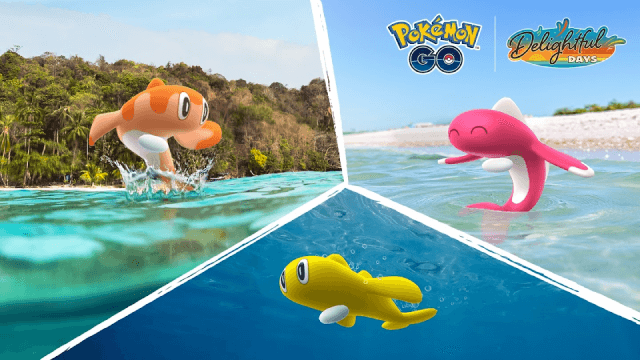
Pokémon Go Water Festival 2025: Exciting New Features and Pokémon Debuts
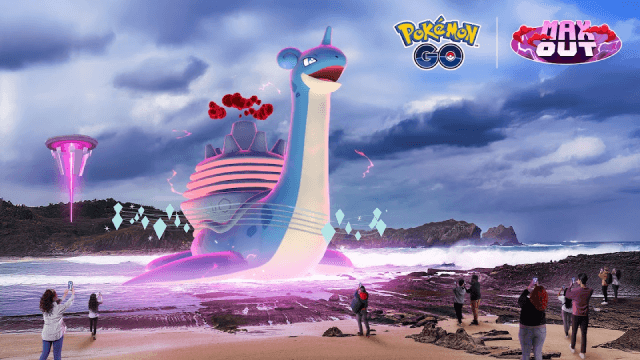
Pokémon Go Gigantamax Lapras: Best Move and Moveset for Max Battle Day 2025
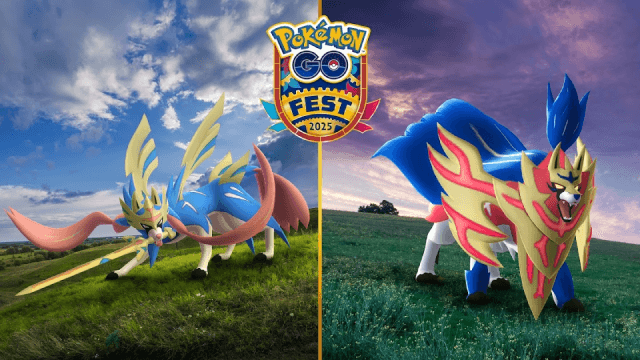
Pokémon Go Fest 2025 Global: Full Details & Exclusive Bonuses Leaked!
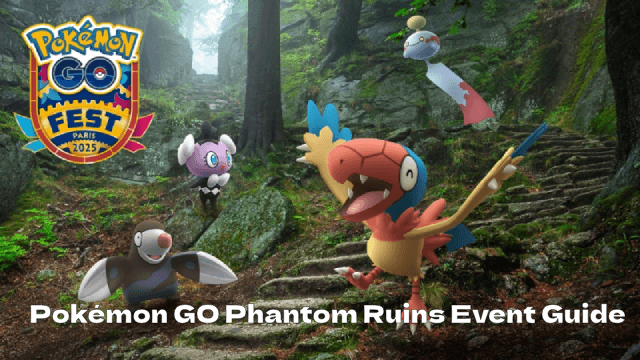
Pokémon GO Phantom Ruins Event: Dates, Bonuses & More!

Pokémon GO Fest 2025: Instrumental Wonders and Phantom Ruins Events Guide
Pokémon GO Serene Retreats Event: A Relaxing Pokémon Adventure Awaits!
Master the Pokémon GO Steeled Resolve Event: New Pokémon, Raids & Rewards